Owner's guide
How to change the strap on a Radley smart watch easily
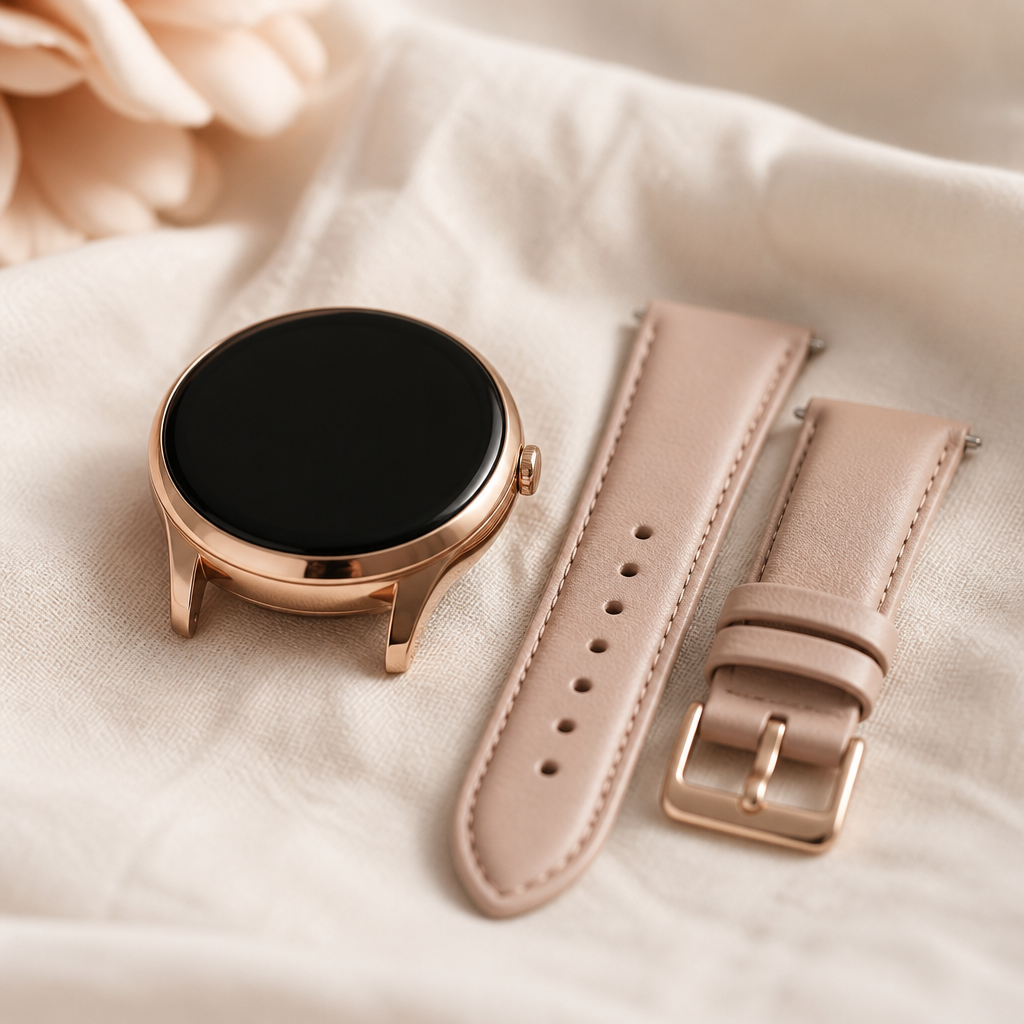
Refreshing the look of your Radley London timepiece is one of the simplest ways to ensure your wearable technology always matches your outfit. Whether you have recently purchased a new Series 8 with a printed silicone band or you are looking to swap a worn leather strap for something more breathable, the process is straightforward once you understand the mechanics of the spring-bar system. Because Radley watches are manufactured by Peers Hardy with a focus on both fashion and function, they typically utilise industry-standard attachments that allow for quick transitions.
You do not need to be a horologist or visit a jeweller to perform this task. Most modern Radley smartwatches, including the popular Series 20 and 33, feature quick-release pins that eliminate the need for specialised tools. This guide will walk you through identifying your strap type, safely removing the existing band, and securing a new one without scratching the delicate rose gold or silver-tone finish of your watch case.
Identifying your Radley strap attachment type
Before you begin, you must determine which generation of Radley watch you own. The vast majority of models released in the last few years use a quick-release mechanism. You can spot these by looking at the underside of the strap where it meets the watch lugs. If you see a tiny round metal knob protruding from the spring bar, you have a quick-release system. This is designed to be operated using only your fingernail.
A smaller number of earlier or specific fashion-led models might use traditional spring bars which lack this little handle. If your strap looks smooth on the underside without any visible lever, you will need a small spring-bar tool or a very thin flat-head precision screwdriver to retract the pin manually. Regardless of the type, the principle of how the strap stays attached to the watch body remains the same: a spring-loaded pin sits inside two small holes on the inner side of the lugs.
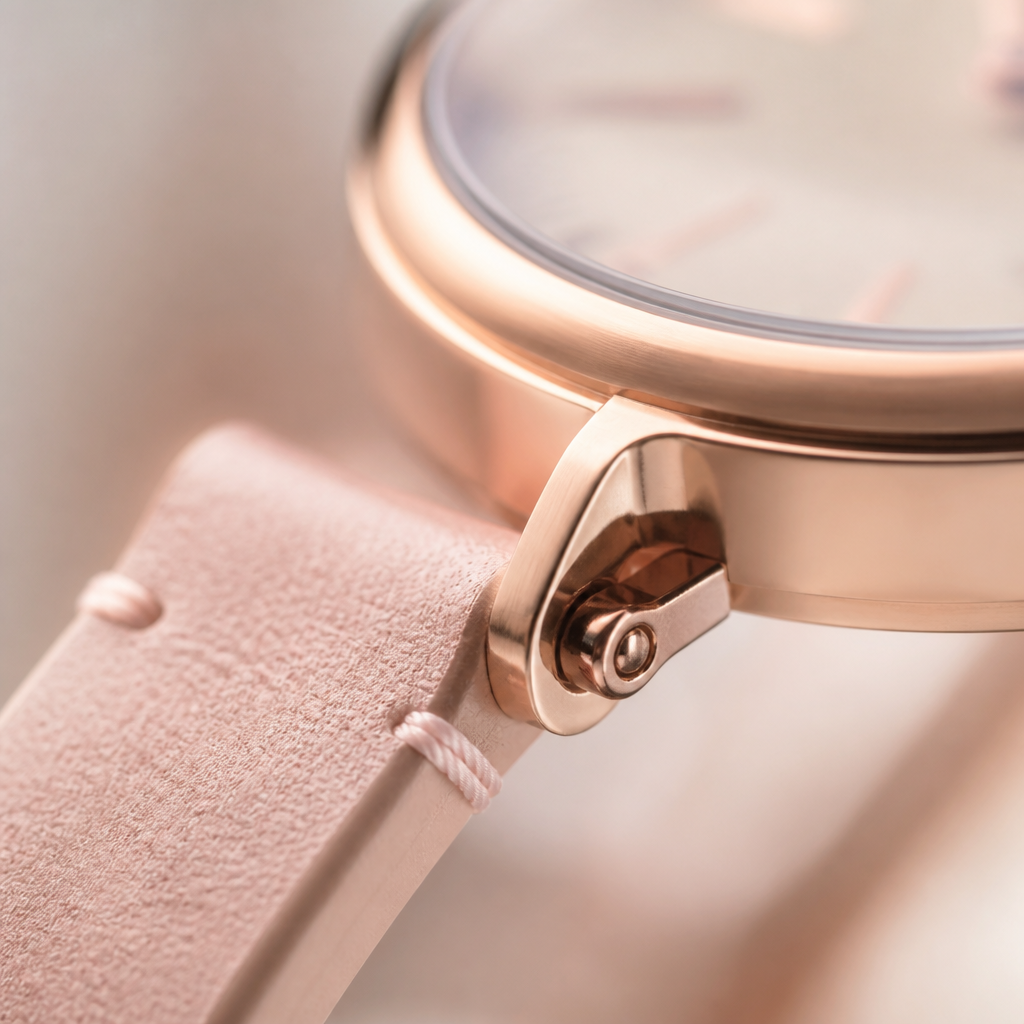
Removing the old strap safely
To remove the strap, hold the watch face-down in your palm. Locate the quick-release lever on one side of the strap. Using your fingernail, gently slide the lever towards the centre of the strap. This action compresses the internal spring, pulling the pin out of the hole in the watch lug. Once the pin is retracted, angle the strap away from the watch body.
If you are dealing with a traditional pin without a lever, you must carefully insert your tool between the strap and the lug. Feel for the ridge on the pin and push it inwards towards the strap. Be cautious during this step, as it is easy for the tool to slip and leave a permanent scratch on the polished casing. Slow, deliberate movements are better than applying force.
Steps to install your new Radley strap
When you are ready to fit the replacement, ensure you have the correct orientation. Usually, the half of the strap with the buckle attaches to the top of the watch (above the 12 o'clock position), while the longer side with the holes attaches to the bottom. This ensures the watch sits naturally on your wrist and the buckle faces the correct direction when you go to fasten it.
- Position the watch face-down on a clean, soft surface.
- Insert one end of the new strap's pin into the bottom hole of the watch lug.
- While holding that side in place, pull the quick-release lever back to retract the other end of the pin.
- Align the retracted end with the opposite hole in the lug.
- Release the lever and gently wiggle the strap until you hear or feel a soft click as the pin locks into place.
- Give the strap a firm tug to ensure it is securely attached before wearing.
Choosing the correct strap size
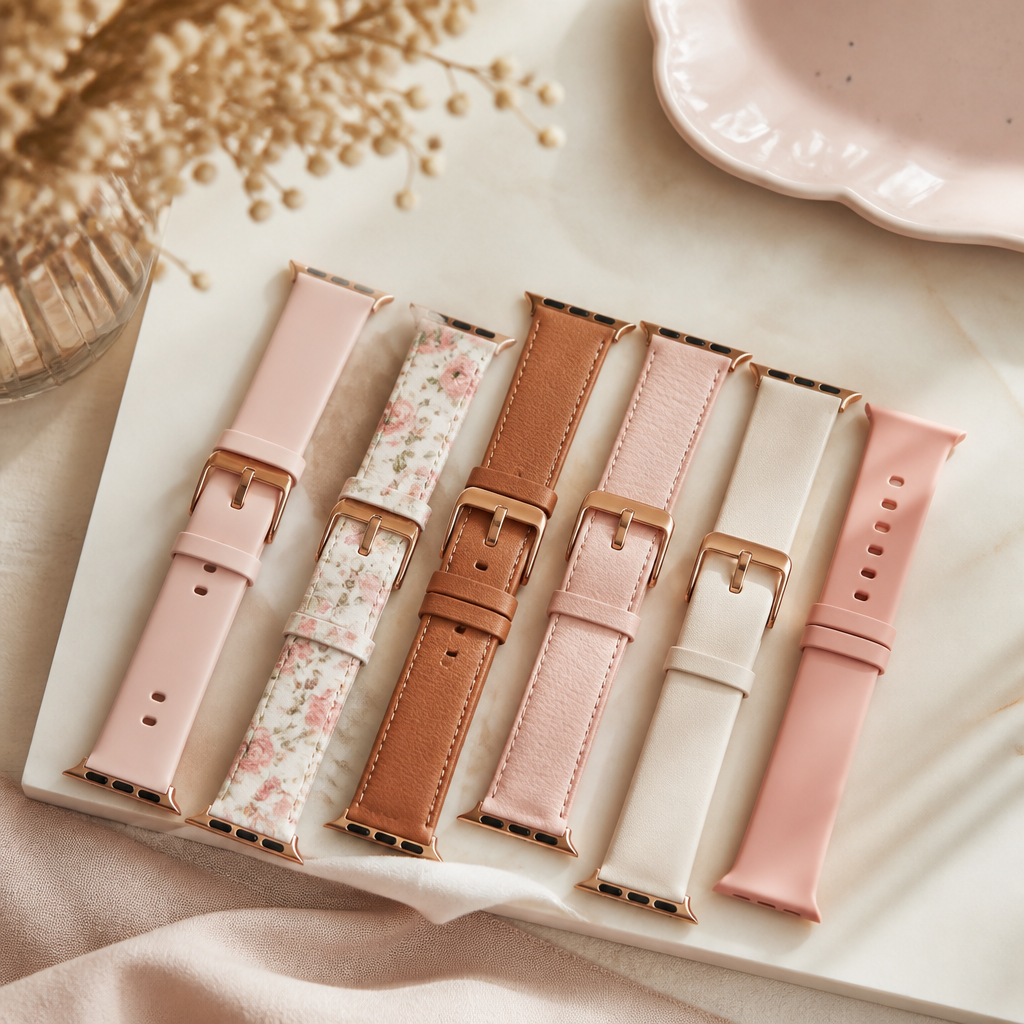
One common frustration when learning how to change the strap on a Radley smart watch is purchasing a band that is the wrong width. Radley smartwatches typically use either 20mm or 22mm straps, depending on the specific series. For example, the smaller, more delicate Series 21 might require a different width than the more robust Series 20.
The best way to check is to measure the distance between the lugs—the two metal arms that hold the strap—in millimetres. Alternatively, many official Radley replacement straps have the width embossed on the underside of the band. If you are buying a third-party strap, ensure it explicitly mentions compatibility with standard quick-release pins to make your life easier.
Typical Leather Replacement Strap
Estimated cost for official Radley-branded leather straps.
$32
Maintenance and strap care
Once you have successfully changed your strap, a little maintenance goes a long way. Silicone straps are wonderful for the gym but can collect sweat and dust which may irritate your skin. A quick wipe with a damp cloth after a workout keeps them fresh. Leather straps, on the other hand, should stay dry to prevent the material from cracking or discolouring over time.
If you find that your quick-release lever becomes stiff, a tiny drop of watch oil can help, but avoid getting any liquids near the watch sensor or screen. Regularly checking that the pins are fully seated in the lugs will prevent the watch from falling off unexpectedly during your daily activities.
Frequently asked
- Can I use any watch strap with my Radley smartwatch?
- Yes, as long as the width matches (usually 20mm or 22mm) and it uses standard straight spring bars. Most universal straps will work perfectly.
- Do I need special tools to change the band?
- Most modern Radley models use quick-release pins which require no tools. For older models, a basic spring-bar tool is recommended to avoid scratching the casing.
- How do I know if the strap is secure?
- After installing, give the strap a gentle but firm pull. If it stays in place and you don't see the pin slipping out of the lug hole, it is secure.
- Which way does the buckle go?
- Conventionally, the buckle part of the strap is attached to the top of the watch face (the 12 o'clock side).
Prices are approximate, converted from GBP at a fixed rate.