Owner's guide
Fixing Radley smartwatch notifications not working on your wrist
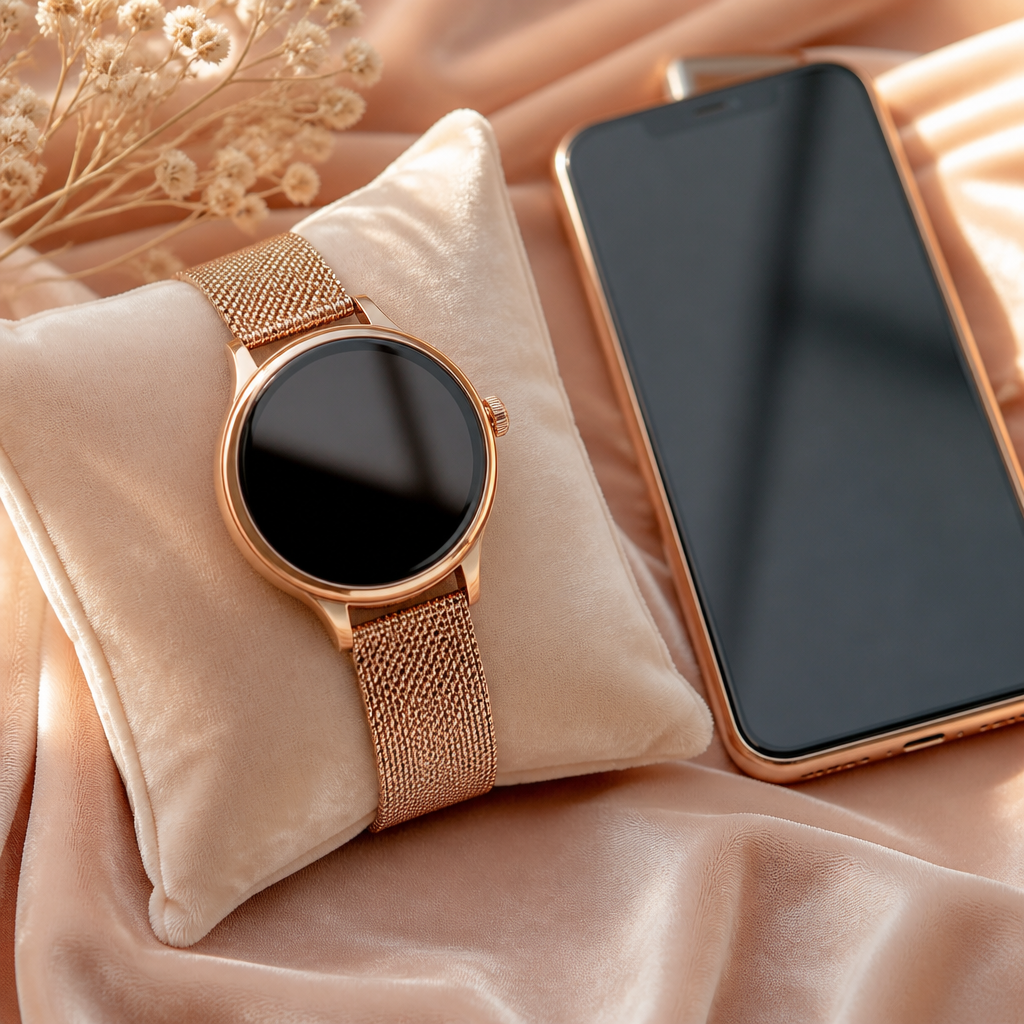
Missing a message or an important call because your Radley smartwatch failed to buzz can be frustrating. These timepieces are designed to keep you connected without you having to constantly check your phone, so when that link breaks, the watch loses a large part of its utility. Most of the time, the issue isn't a hardware fault but a simple communication breakdown between your phone's operating system and the RADLEY SMART app.
Because Radley watches are manufactured by Peers Hardy and use a specific Bluetooth bridge to talk to your smartphone, they rely heavily on background permissions. Whether you are using a Series 8, Series 20, or one of the newer Series 33 models, the troubleshooting steps remain remarkably consistent across the range. We will walk through the most common reasons your alerts have gone quiet and how to restore them.
Checking the RADLEY SMART app permissions
The most frequent culprit for notifications failing to appear is a lack of permission within the companion app. When you first set up your watch, the RADLEY SMART app likely asked for access to your contacts, messages, and phone calls. If any of these were declined or have since been revoked by a system update, the app cannot legally 'read' the incoming alert to send it to your wrist.
Open the app on your phone and navigate to the person icon or 'Other' settings menu. Look for a section titled 'Notifications' or 'App Alerts'. Here, you will find a list of toggles for different applications like WhatsApp, Facebook, Instagram, and your standard SMS messages. Ensure the master switch at the top is active and that each individual app you want to hear from is specifically enabled. Even if they look active, toggling them off and back on can sometimes refresh a stale connection.
Battery optimisation and background restrictions
Android phones are particularly aggressive when it comes to saving battery life. They often 'kill' apps that run in the background to preserve power. If your phone decides that the RADLEY SMART app has been idle for too long, it will shut down the process, effectively cutting the cord between your phone and your watch.
To fix this, you need to tell your phone that this specific app is allowed to run without restrictions. Go to your phone's main settings, find the 'Apps' section, and locate RADLEY SMART. In the 'Battery' or 'Power' settings for that app, change the status to 'Unrestricted' or 'Do not optimise'. This ensures that even when your phone screen is off for hours, the notification bridge remains open.
The classic reset and re-pair sequence
If your settings appear correct but you are still experiencing silence, a clean slate is often the best solution. Bluetooth connections can occasionally become 'ghosted', where the devices appear paired but no data is actually moving between them. This is a common quirk with many fashion-led fitness trackers.
- Open the RADLEY SMART app and 'Remove' or 'Unbind' the device from the settings menu.
- Go to your phone’s Bluetooth settings and find your Radley watch in the list of paired devices.
- Tap the 'i' or gear icon next to the watch name and select 'Forget This Device'.
- Turn Bluetooth off on your phone and turn it back on after ten seconds.
- Restart your Radley smartwatch by going to the 'Reset' or 'Power Off' menu on the watch itself.
- Open the app again and follow the pairing process from scratch, ensuring you accept every permission prompt that appears.
Understanding the hardware limitations
It is worth remembering that Radley smartwatches are designed as fashion-forward accessories with fitness tracking capabilities, rather than high-complexity computing platforms. They do not have their own Wi-Fi connection and cannot download apps independently. They rely entirely on a stable Bluetooth connection within a range of about ten metres.
If you move into another room and leave your phone behind, the connection will drop. While most models will automatically reconnect when you return to the room, some older series might require you to open the app to nudge the sync process. Additionally, the watch can only display notifications that your phone actually receives. If your phone is in an area with poor signal, the watch will remain quiet too.
Frequently asked
- Why do I get calls but not WhatsApp messages?
- This usually means the specific app toggle for WhatsApp is turned off within the notifications menu of the RADLEY SMART app, or your phone settings are blocking WhatsApp from showing previews.
- Will my watch work if the app is closed?
- On most phones, the app must remain open in the background. If you 'swipe away' the RADLEY SMART app from your recent apps list, you effectively disconnect the watch.
- Does the watch have its own SIM card for alerts?
- No, Radley watches do not have cellular connectivity. They only show alerts forwarded from your smartphone via Bluetooth.
- How many notifications can the watch store?
- Most models keep the last 3 to 5 notifications in a dedicated list. Once you receive new ones, the oldest ones are automatically deleted from the watch memory.
Maintaining a steady stream of updates to your wrist involves a mix of correct app settings and understanding how your phone manages its background tasks. By ensuring the RADLEY SMART app has full permissions and isn't being suppressed by battery savers, you can ensure your Radley watch remains as functional as it is stylish. If problems persist after a full re-pairing, check for his or her latest app updates in the App Store or Google Play Store to ensure compatibility with your phone's latest software.