Owner's guide
How to change or replace a Radley watch strap
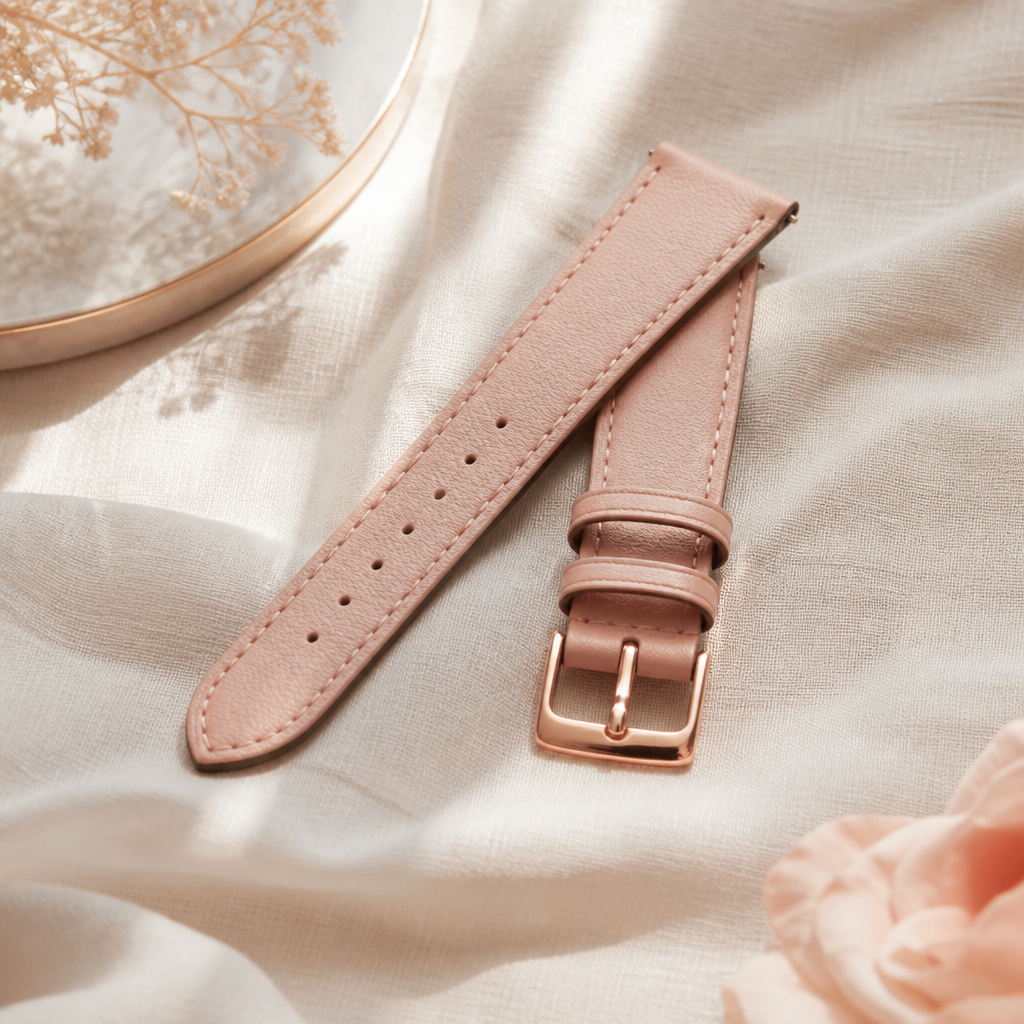
One of the most appealing aspects of owning a Radley London smartwatch is the ability to adapt its look to your outfit or the occasion. Whether you are swapping a sporty silicone band for a sophisticated leather strap or refreshing a worn-out piece, the process is designed to be straightforward. Radley watches, manufactured by Peers Hardy, typically utilise a standard mechanical connection that allows you to make these changes in just a few minutes without needing to visit a jeweller.
In this guide, you will learn the exact steps required to safely remove your current band and click a new one into place. We will also cover the common sizes you might encounter across popular series like the Series 8 or Series 33, ensuring your new purchase fits perfectly the first time.
Identifying your strap attachment type
Before you begin, turn your watch over and look at the underside where the strap meets the watch casing. Almost all modern Radley smartwatches feature a 'quick-release' mechanism. You will notice a tiny metal knob or lever tucked into the end of the strap. This small component is the key to the entire process, as it retracts the spring bar that holds the strap securely between the lugs of the watch.
If you do not see a lever, your watch may be using traditional spring bars. These require a small tool to nudge the metal pin inward. However, for the vast majority of the fashion-led fitness trackers in the Radley range, the quick-release system is the standard. This design choice emphasises convenience, allowing you to switch from a gym-ready strap to a floral leather design before you head out for dinner.
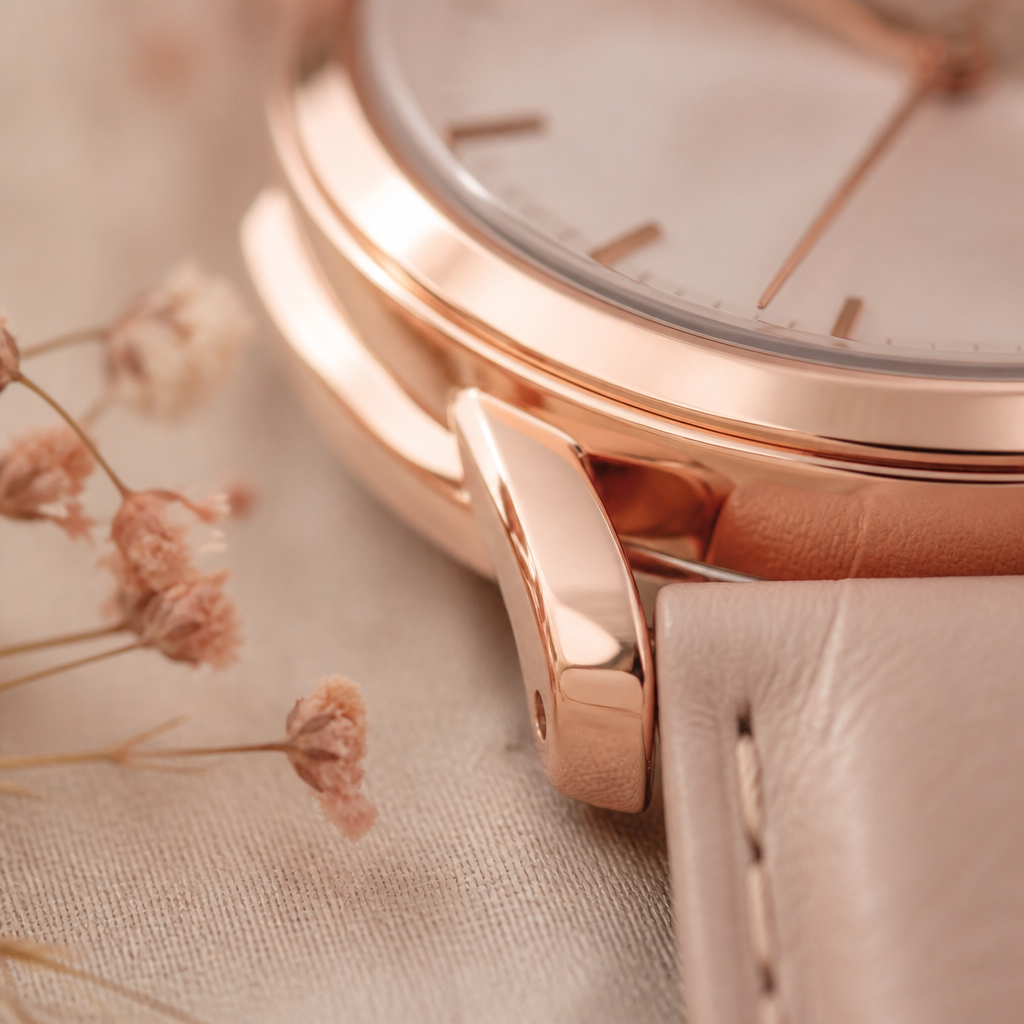
Step by step guide to swapping your strap
The secret to a successful swap is patience. You do not need to apply significant force. If the pin is not moving, check that you are sliding the lever in the correct direction—usually towards the centre of the strap.
- Place the watch face-down on a soft surface to avoid scuffing the glass.
- Locate the quick-release lever on the back of the strap near the watch body.
- Slide the lever inward with your fingernail to retract the pin.
- Gently pull the strap away from the watch casing while holding the lever down.
- Take your new strap and insert the fixed pin (the side without the lever) into the hole on one side of the watch lug.
- Pull the lever back on the new strap and align it with the opposite hole.
- Release the lever and wiggle the strap slightly until you hear or feel a click.
Once the new strap is attached, give it a firm but gentle tug to ensure the pins are fully seated in the holes. It is much better to find out now that a pin isn't secure than to have the watch slip off your wrist while you are out walking.
Choosing the correct size for your Radley watch
Not all Radley straps are interchangeable across every model. The width of the strap is measured in millimetres at the point where it connects to the watch. Most Radley smartwatches use either a 20mm or a 22mm width. If you buy a strap that is even one millimetre too wide, it will not fit between the lugs. Conversely, a strap that is too narrow will slide back and forth, putting uneven pressure on the pins.
If you are unsure of your size, you can measure the distance between the two lugs on the watch head using a metric ruler. Most Series 20 and Series 8 models tend to favour the 20mm standard, which is a very common size in the UK watch market. This means you aren't strictly limited to official Radley replacements; any high-quality 20mm quick-release strap should technically fit, though official bands often feature the signature Scottie dog charm or specific patterns that match the Radley aesthetic.
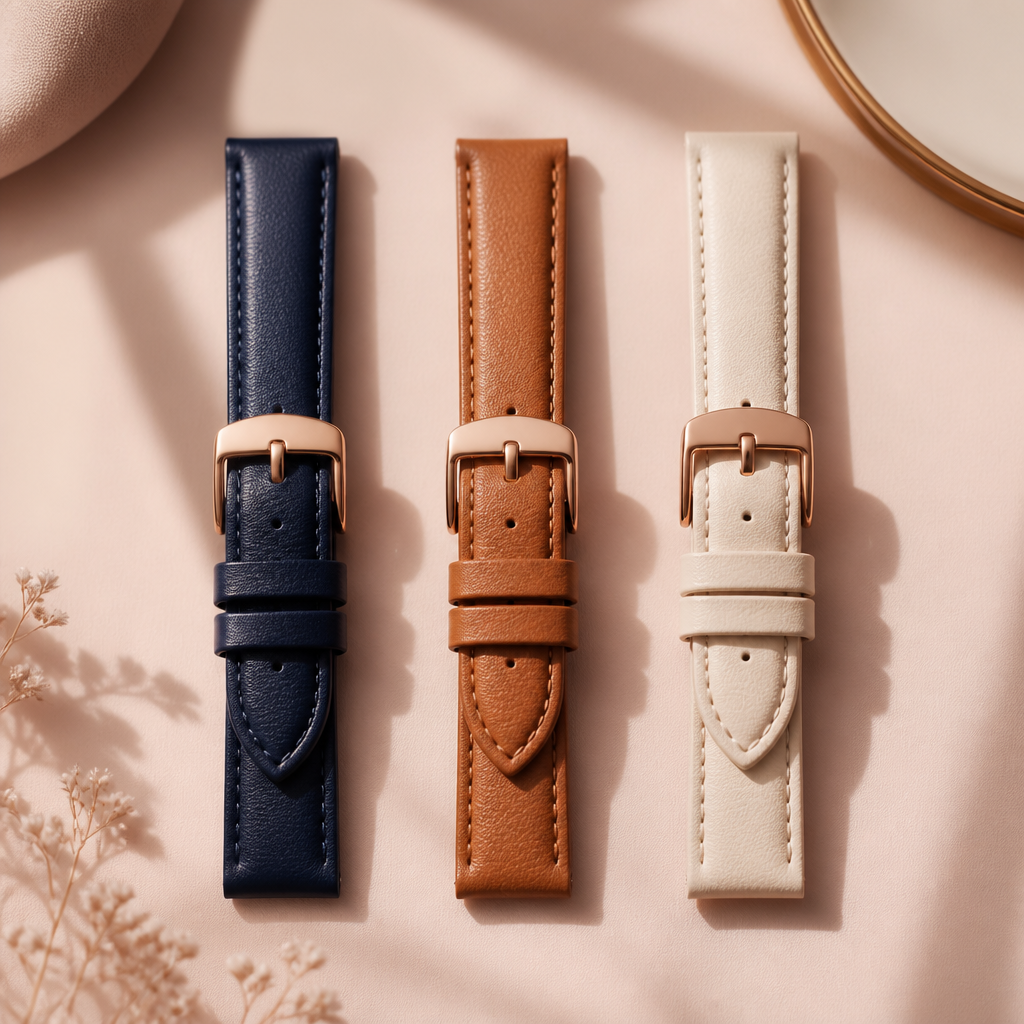
Typical Leather Replacement Strap
Estimated cost for genuine Radley London replacement bands.
£25
Caring for your new strap
After you have successfully changed your strap, keeping it in good condition will help the pins last longer. Leather straps do not respond well to moisture, so if you have a leather band, you should consider swapping it back to a silicone version before a heavy workout or a walk in the rain. Moisture can cause the leather to stiffen and the spring bars to eventually corrode if they aren't dried properly.
For silicone bands, a simple wipe with a damp cloth after a day of wear is usually sufficient. When you change the strap, take a moment to clean the lug area of the watch head with a dry cotton bud. Dust and lint tend to collect in these crevices, which can occasionally interfere with the quick-release mechanism over time.
Where to buy a replacement Radley strap
Official Radley bands are sold through the Radley London website and through UK watch retailers and department stores that stock Peers Hardy products. Buying official gives you the signature detailing, matching hardware finishes and, on many leather bands, the little Scottie dog charm that makes the watch recognisable at a glance.
Third-party bands are a perfectly sensible choice too, as long as the width matches your lugs and the band uses standard quick-release spring bars. Straps sold for other popular 20mm and 22mm watches usually fit Radley models without any modification. Apple Watch bands are the exception, because they use a proprietary slide-in connector rather than spring bars, so they will not fit.
- Official bands: matching finishes, Radley detailing and charm hardware.
- Third-party bands: far more colours and materials, usually lower cost.
- Look for quick-release levers so you never need a spring bar tool.
- Avoid Apple Watch bands, as the connector is not compatible.
- A few older Radley models have straps screwed into the case, so contact the Peers Hardy service centre for those.
Troubleshooting a strap that will not fit
If a pin refuses to click home, the usual culprit is debris. Dust and lint settle in the tiny holes inside the lugs, leaving the spring bar no room to expand. Clear the holes gently with a wooden toothpick or a soft brush, then try again. If the lever moves freely but the pin still will not seat, check you are pushing the lever towards the centre of the strap rather than outwards.
Changing a strap with the intended quick-release mechanism does not affect your manufacturer warranty from Peers Hardy, provided you do not damage the lugs while you work. Replacement spring bars are widely available from watch repair shops and online, so a bent pin is a small, cheap fix rather than a reason to retire the watch.
With daily wear, silicone bands tend to outlast leather. Most leather straps show wear after six to twelve months, and it is worth replacing any band as soon as you see cracking or fraying near the pin holes rather than waiting for it to give way on your wrist.
Frequently asked
- Do I need special tools to change my Radley strap?
- Usually no. Most Radley smartwatches use quick-release pins you can operate with a fingernail. Only older or traditional models need a spring bar tool.
- Can I use straps from other brands?
- Yes, as long as the width matches your lugs and the band uses standard spring bars. Apple Watch bands will not fit, because their connector is proprietary.
- Will changing the strap void my warranty?
- No. Using the quick-release mechanism as intended does not void the Peers Hardy warranty, as long as you do not damage the watch lugs.
- Why will the pin not click into the lug?
- Debris in the lug holes is the usual cause. Clean the holes with a toothpick or soft brush so the spring bar can expand fully, then refit the strap.
- Where can I buy official Radley replacement straps?
- From the Radley London website and from UK watch retailers and department stores that stock Peers Hardy products.
- Is the Scottie dog charm transferable?
- Often yes. The charm usually sits on a small loop that slides off the old band and onto a new one of similar thickness. Charms are rarely sold separately.
- How often should I replace my strap?
- Leather bands typically last six to twelve months with daily wear, while silicone lasts longer. Replace any band that shows cracking or fraying.
- Does a new strap affect the heart rate reading?
- The material does not, but the fit does. The watch should sit snugly against your skin without pinching so the sensor keeps contact.
Changing a Radley strap is a five minute job once you know where the lever sits. Get the width right, work over a soft cloth and give the finished band a firm tug, and you can rotate through as many looks as you like without ever visiting a jeweller.