Owner's guide
Radley smartwatch battery life: tips to make it last
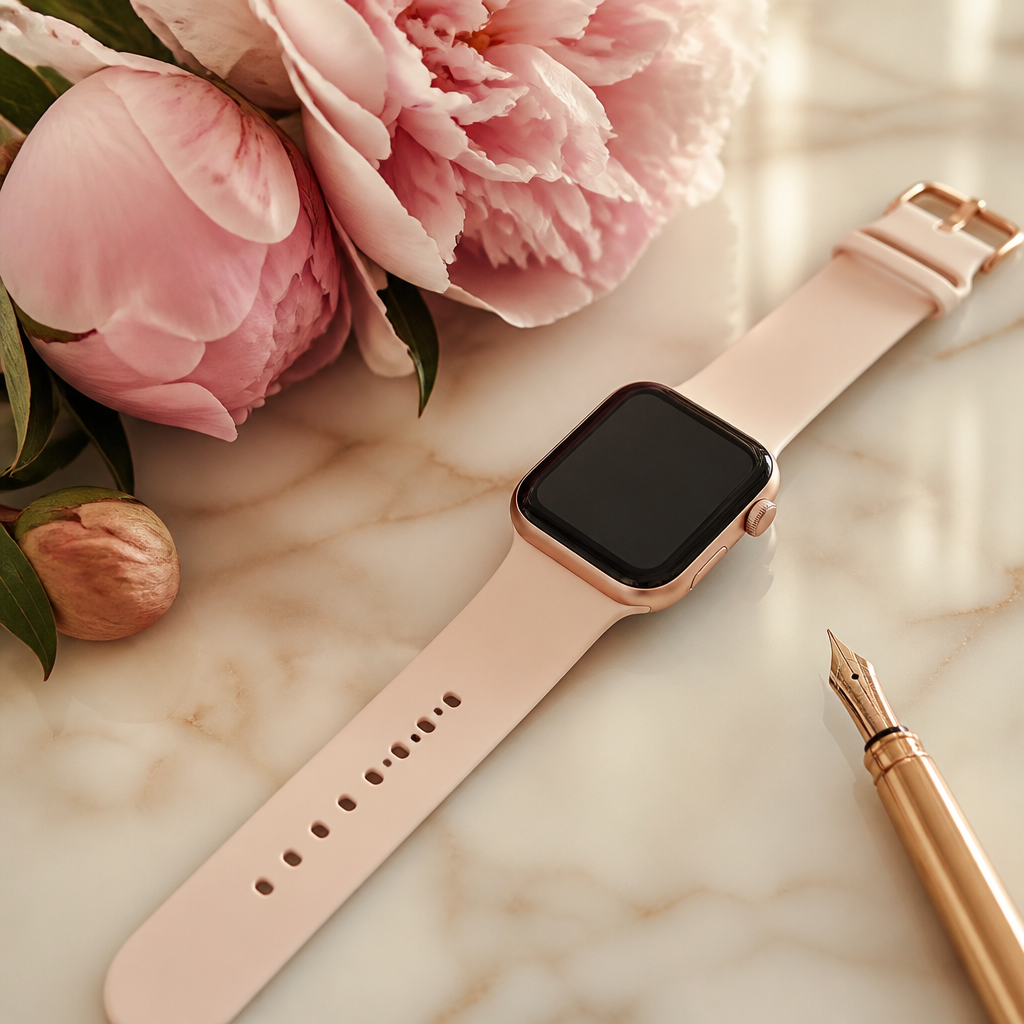
Your Radley London smartwatch is designed to be a graceful companion that balances fashion with functional fitness tracking. Because these timepieces prioritve a slim profile and lightweight feel, the physical battery inside is understandably compact. Most owners find that their watch lasts between five and seven days on a single charge. However, if you find yourself reaching for the proprietary charging cable more often than that, there are several adjustments you can make to extend the time between charges.
Understanding that these devices operate differently from high-drain platforms like the Apple Watch or Samsung Galaxy Watch is the first step. Radley watches, manufactured by Peers Hardy, use a simplified operating system that is far more efficient. This means you do not need to charge it every night, provided you keep an eye on a few specific power-hungry features. This guide walks you through honest, practical steps to ensure your battery stays healthy for the long term.
Managing screen brightness and timeout
The single largest drain on any wearable battery is the display. Radley screens are vibrant and easy to read, but keeping them at maximum brightness throughout the day is rarely necessary. If you spend most of your time indoors or in an office environment, lowering the brightness to a middle or low setting can significantly increase the duration of your battery. You can usually find these adjustments directly in the watch settings menu under the display or brightness icon.
Along with brightness, the 'screen timeout' or 'backlight duration' plays a vital role. This setting dictates how many seconds the screen stays illuminated after you have finished looking at it. Many users leave this at ten or fifteen seconds, but shortening it to five seconds can save a surprising amount of energy over a full week. Every second the screen is lit, the battery is working hard, so being brief with your checks is a wise habit to form.
Optimising notifications and vibrations
Every time your watch vibrates to alert you to a WhatsApp message, an email, or a news update, a small motor inside the watch spins. While one or two alerts won't make a dent in your power levels, a constant stream of group chat notifications will. One of the most effective Radley smartwatch battery life tips is to curate exactly which apps are allowed to push notifications to your wrist via the RADLEY SMART app.
Open the companion app on your phone and navigate to the notification settings. It is often helpful to disable alerts for social media apps where the updates aren't urgent, leaving only phone calls and direct text messages active. Not only does this preserve your battery, but it also creates a less distracting experience during your day. If your model allows you to adjust the vibration intensity, choosing a 'soft' or 'normal' setting rather than 'strong' will also contribute to energy savings.
Heart rate monitoring and sensor usage
Radley smartwatches such as the Series 8 or Series 20 often include an optical heart rate sensor on the underside of the case. By default, some configurations may be set to monitor your heart rate continuously throughout the day. While this provides a detailed graph of your health, it is a constant drain on power because the green LEDs must flash intermittently to take a reading.
If you do not require a minute-by-minute account of your heart rate, you can switch to manual mode. This allows you to check your pulse whenever you choose, but the sensor remains dormant the rest of the time. For those using the watch primarily for step counting and fashion, this single change can often add two full days to the battery life. Remember that the watch does not have onboard GPS, so it relies on your phone for location data; ensuring your Bluetooth connection is stable helps the watch avoid 'searching' for the phone, which can also use extra power.
Smart charging habits for longevity
How you charge your watch is just as important as how you use it. To maintain the health of the lithium-ion battery, it is best to avoid letting the watch drop to zero percent. Regularly letting the battery die completely can put stress on the cells. Instead, try to plug it in when it reaches around twenty percent. Similarly, you do not need to leave the watch on the charger overnight once it has reached one hundred percent.
- Use the original Peers Hardy charging cable provided in the box.
- Plug the USB into a low-powered port, such as a laptop or a standard 5V wall plug.
- Avoid using 'fast chargers' meant for modern smartphones, as these can sometimes be too powerful.
- Ensure the charging points on the back of the watch are clean and free of sweat or lotion.
- Charge the watch in a cool, dry place away from direct sunlight.
Firmware and app updates
Peers Hardy occasionally releases updates for the RADLEY SMART app and the watch firmware itself. These updates sometimes include optimisations that improve how the watch manages its power consumption. Always ensure you are running the latest version of the app on your iOS or Android device. If you notice a sudden drop in battery performance, checking for an update or simply restarting the watch and the app can often resolve background processes that may be hung.
Frequently asked
- How long should a Radley smartwatch battery last?
- With typical use, including notifications and step tracking, you can expect between 5 and 7 days. Heavy use of the heart rate monitor may reduce this.
- Why is my Radley watch battery draining so fast?
- This is usually caused by high screen brightness, constant notifications, or the continuous heart rate monitoring feature being enabled.
- Can I replace the battery in my Radley smartwatch?
- The batteries are sealed units and not designed to be replaced. Following good charging habits is the best way to ensure the watch lasts for years.
- Does using custom watch faces drain more battery?
- Some highly detailed or brightly coloured watch faces can use slightly more power than simpler, darker designs, though the difference is usually minimal.
By following these Radley smartwatch battery life tips, you can ensure that your stylish accessory remains functional throughout your busy week. The goal is to make the technology work for you, rather than you having to constantly work to keep it charged. With a few small tweaks to your settings and a mindful approach to notifications, you will enjoy the best of what Radley London wearables have to offer.