Owner's guide
How to reset a Radley smartwatch and clear your data
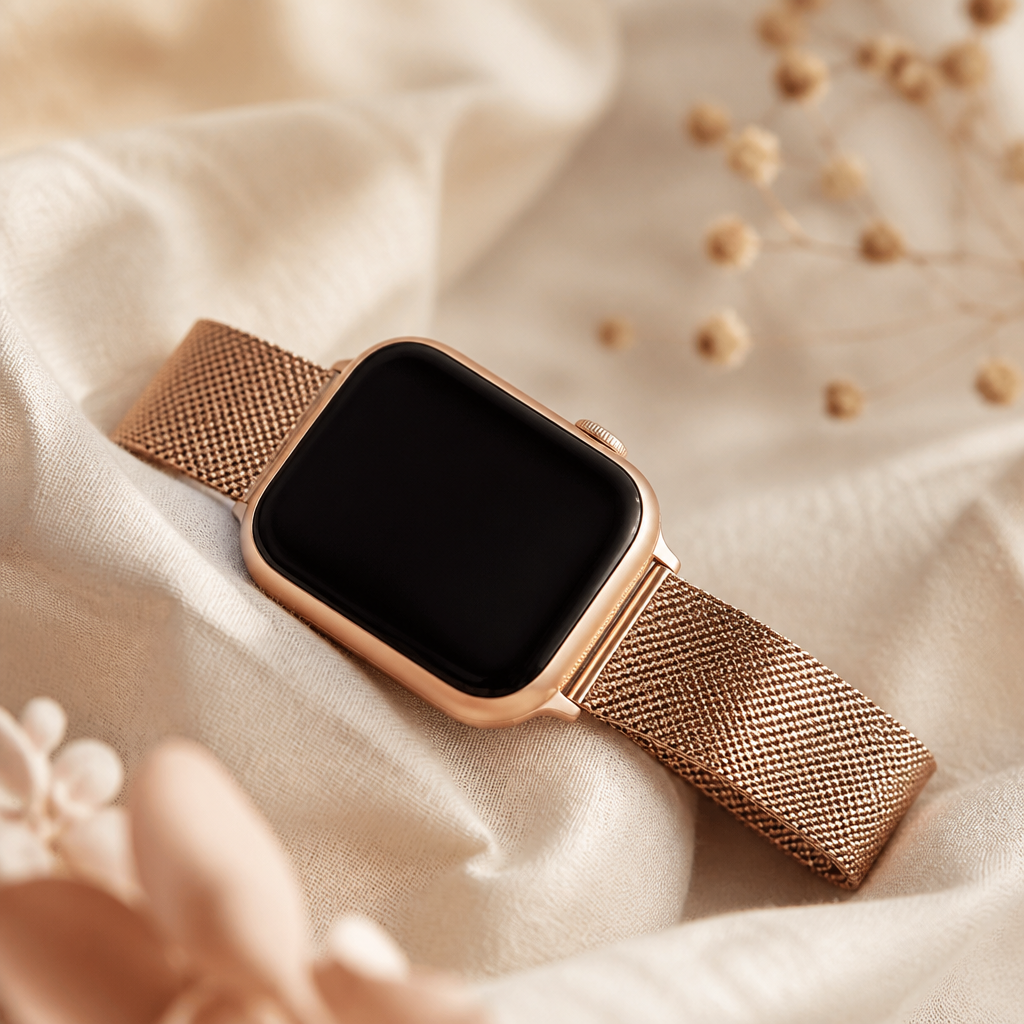
Living with a Radley London smartwatch is generally a simple affair. These timepieces, manufactured by the British powerhouse Peers Hardy, are designed to blend traditional fashion with just enough technology to keep you moving. However, technology occasionally acts in ways that aren't quite helpful. Whether your screen is lagging, notifications aren't arriving, or you are simply preparing to pass your Series 8 or Series 20 onto a friend, knowing how to reset a Radley smartwatch is a core skill for any owner.
Before you begin, it is important to distinguish between a basic restart and a full factory reset. A restart is like a quick nap for your device; it clears temporary memory without deleting your step counts or custom settings. A full factory reset, however, wipes everything. It returns the software to the state it was in when it first left the box. You should approach the latter with a little more caution, ensuring your latest data has synced to the Radley Smart app before you proceed.
The simple restart for minor glitches
Most issues, such as a frozen touch sensor or a sticky vibration motor, can be resolved without losing your data. If your watch is still responding to touch, you can navigate to the settings menu directly on the wrist. Swipe through your main watch face until you find the 'Settings' icon, which often looks like a small gear or a list of options. Within this menu, you will see a 'Power Off' or 'Restart' button. Selecting this allows the hardware to cycle down and clear its cache.
If the screen is entirely unresponsive, you might feel stuck. On most Radley models, including the newer Series 21 and 33, there is a side button that acts as a home key. Holding this button down for a full ten to fifteen seconds often forces the device to power down. This is the digital equivalent of a hard reboot. Once the screen goes dark, you can press the button again to see the familiar mascot logo blink back to life. This usually sorts out the majority of software stutters without any further fuss.
Performing a full factory reset
When a simple restart does not suffice, a factory reset is the next step. This process dissociates the watch from your profile and clears out every bit of stored health data, sleep logs, and notification history. It is a necessary step if you are experiencing persistent Bluetooth connection drops or if you are gifting the watch to someone else. You do not want your personal messages appearing on the wrist of the next owner.
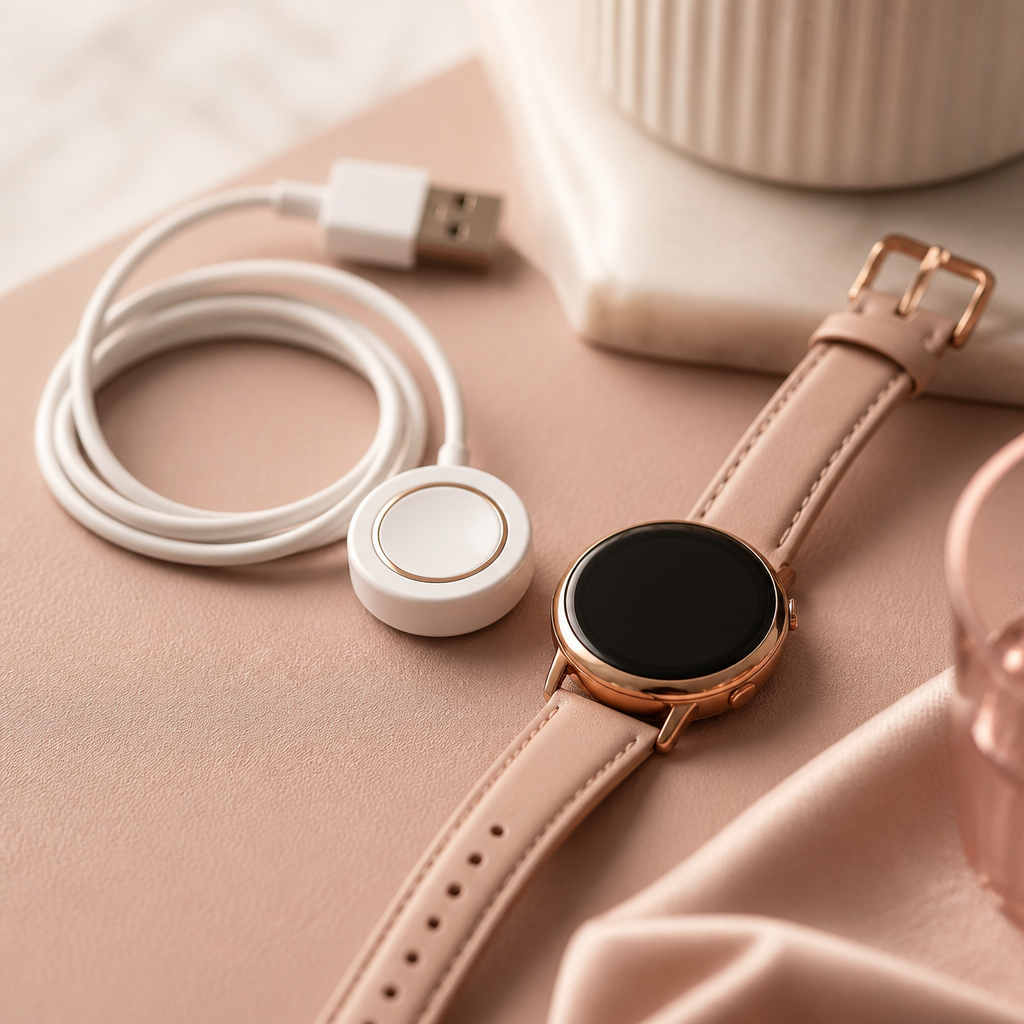
To perform a factory reset, go back to the 'Settings' menu on the watch face. Scroll down until you see the word 'Reset.' When you tap this, the watch will usually ask for a confirmation. Once you confirm, the device will vibrate and the screen will go blank. After a few moments, the watch will boot back up to the initial pairing screen, showing a QR code or the Radley logo. At this point, the device is essentially a blank slate.
- Open the Radley Smart app on your smartphone first to ensure your latest data is synced.
- Navigate to the 'Settings' or 'System' menu on the physical watch.
- Select the 'Reset' option and confirm your choice when prompted.
- Go to your phone's Bluetooth settings and 'Forget' the Radley device.
- Remove the watch from the Radley Smart app under the 'Device' tab.
- Restart your phone to clear the Bluetooth cache before trying to pair again.
Troubleshooting after the reset
Once you have completed the reset, you might find that your phone is still trying to talk to the 'ghost' of the previous connection. This is a common stumbling block for Radley owners. Your phone remembers the specific ID of the watch, but because the watch has been reset, it no longer recognises the phone. This creates a loop where pairing fails repeatedly.
To fix this, you must go into your smartphone's Bluetooth settings and delete the watch from the list of remembered devices. Look for labels like 'Series 08' or 'Radley' and select 'Forget this Device.' Only after you have done this can you open the Radley Smart app and begin the pairing process as if you were setting up a brand-new watch. This fresh start often improves the speed of syncs and the reliability of your weather updates and message alerts.
When the reset doesn't work
In rare cases, you might find that even a factory reset doesn't solve your issues. If the screen is completely black and won't respond to the side button or the charger, the problem might be hardware-related rather than a software glitch. Radley watches, while durable for everyday wear, can sometimes suffer from battery exhaustion if left uncharged for several months. If the battery has dropped below a certain voltage, the internal software might not have enough power to even begin the reset process.
If your watch is stuck in a loop where it shows the logo and then shuts down, try leaving it on the charger for a full two hours. Avoid using a high-powered 'fast charger' meant for a modern smartphone, as these can occasionally overwhelm the smaller batteries found in Radley devices. A standard USB port on a laptop or a basic 5V wall plug is the safest way to provide stable power while you attempt to get the system back into a working state.
Frequently asked
- Will a reset delete my watch faces?
- Yes, a factory reset will remove any custom watch faces you have downloaded from the app. You will need to re-download them once you pair the watch again.
- How often should I reset my Radley watch?
- You should only reset it if you are experiencing performance issues or if you are changing the phone it is paired with. Monthly restarts are fine, but factory resets aren't necessary for regular maintenance.
- I forgot my watch passcode. How do I reset it?
- If you are locked out of the watch menu, you will need to use the 'Unbind' or 'Reset' function within the Radley Smart app on your phone to force a wipe.
- Does resetting the watch fix battery drain issues?
- It can help if the drain is caused by a software process getting stuck in the background, but it won't fix a battery that has naturally degraded over several years of use.
Resetting your watch is a powerful tool for maintaining the health of your device. By following these steps, you ensure that your Radley London timepiece remains a reliable companion for your daily steps and style. If you have followed every step and the watch still refuses to behave, it may be time to consult the support team at Peers Hardy, as they handle the technical servicing for these elegant trackers.