Owner's guide
Why won't my Radley smartwatch charge? A troubleshooting guide
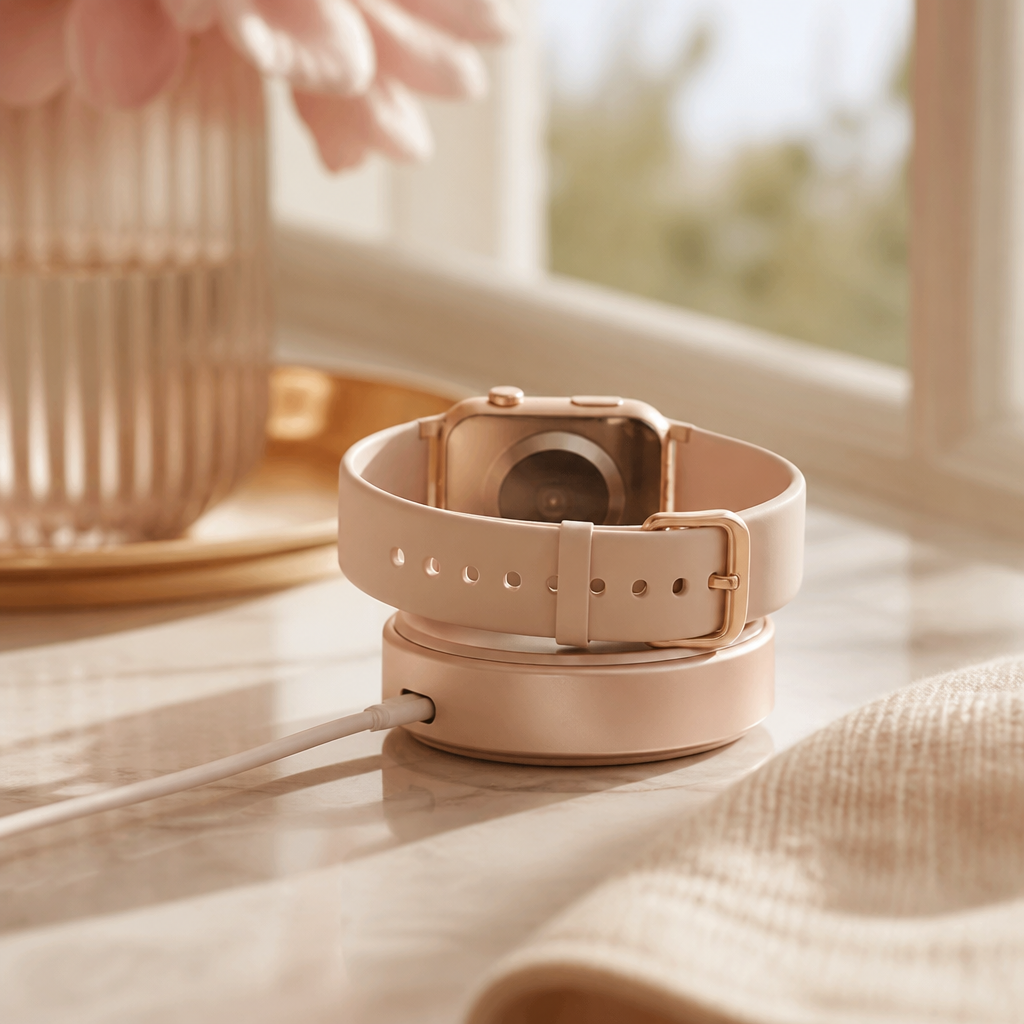
It is quite a sinking feeling when you go to top up your Radley London smartwatch after a week of use, only to find the battery icon remains stubbornly frozen. These watches are designed by Peers Hardy to be dependable fashion companions, offering a respectable five to seven days of battery life. However, like any electronic device that relies on physical contact points and USB power, things can occasionally go awry. You might find the magnetic cradle doesn't seem to grip correctly, or perhaps the watch simply refuses to acknowledge the power source at all.
Before you worry about a total hardware failure, it is worth remembering that most charging issues stem from very simple, fixable causes. Over time, skin oils, dust, and tiny amounts of moisture can interfere with the connection between your watch and its charger. In this guide, we will walk through the practical steps you can take to diagnose why your Radley smartwatch won't charge and how to restore that vital connection so you can get back to tracking your steps and receiving your notifications.
Inspect the physical connection points
The most common culprit when a Radley watch fails to charge is debris on the copper pins or the receiving plates. Because these watches sit against your skin all day, they naturally collect perspiration and oils. These substances can create a thin, invisible film that acts as an insulator, preventing electricity from flowing into the battery. Take a close look at the two or four small metallic circles on the back of your watch case. If they look dull or slightly discoloured, they need a gentle clean.
Similarly, examine the charging cradle itself. The spring-loaded pins on your Radley charger are delicate. If one of these pins is stuck in a compressed position or has a speck of lint draped over it, the circuit will not complete. You should be able to gently press the pins down and watch them spring back up. If a pin feels crunchy or stays down, it is likely the reason your device is not drawing power.
Verify your power source and cable
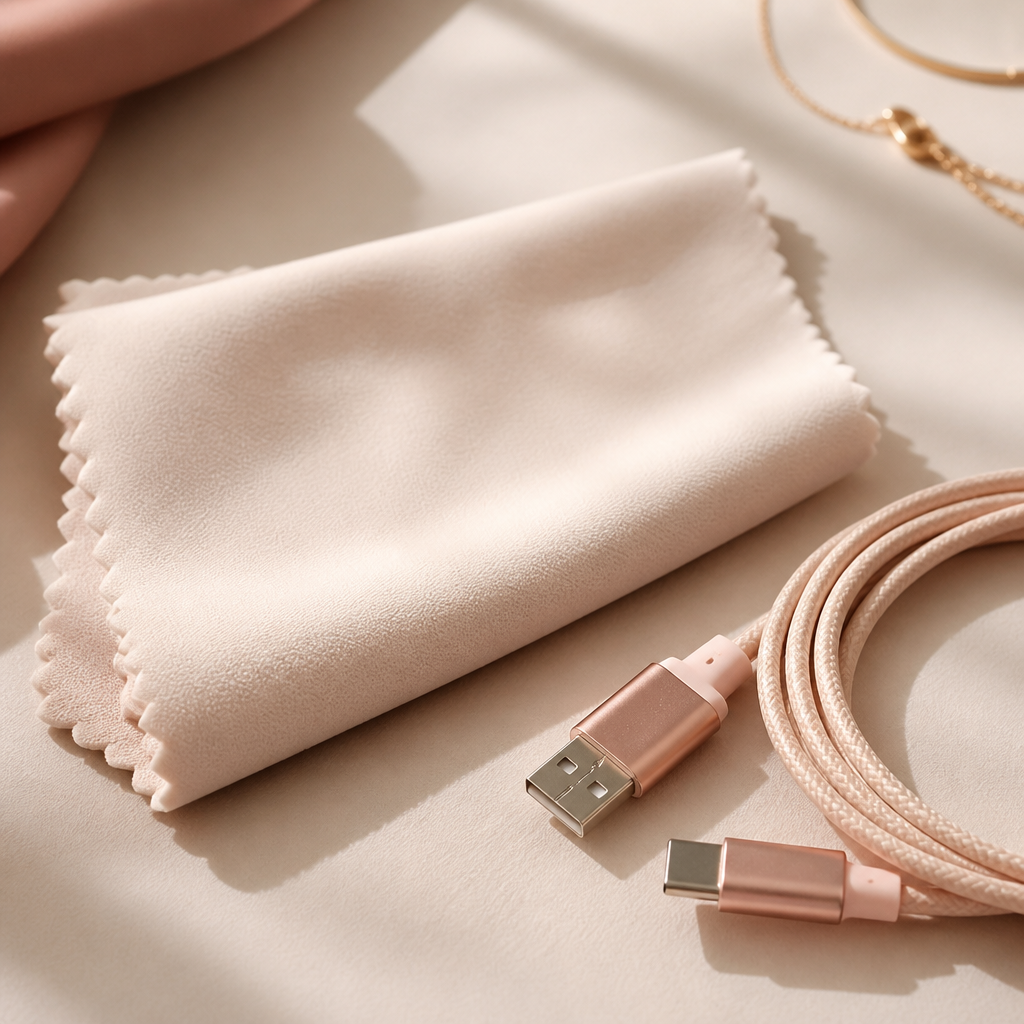
We often take USB ports for granted, but they are not all created equal. If you are plugging your Radley charging cable into a laptop port, it might not be providing enough current, especially if the laptop is in a power-saving mode. Alternatively, if you are using a high-powered 'fast charger' meant for a modern smartphone, the watch’s internal regulation hardware might occasionally refuse the charge as a safety precaution. Radley watches generally prefer a standard 5V/1A power supply, such as a basic wall plug or a powered USB hub.
Try swapping your power source. If you have been using a computer, try a wall socket. If you have been using a specific adapter, try a different one. It is also worth checking the cable for any sharp kinks or fraying. Since the cables are specific to Radley models like the Series 8 or Series 20, they can be difficult to replace with generic versions, so treating the wire with care is essential for long-term use.
A step-by-step charging reset
If the hardware looks clean and the power source is confirmed to work with other devices, it is time to perform a systematic reset of the charging process. Sometimes the software on the watch can 'hang,' making it unresponsive to the charger being attached. A specific sequence of actions can often wake the battery controller and get the juice flowing again.
- Unplug the USB cable from the power source entirely.
- Remove the watch from the magnetic cradle or clip.
- Wait for thirty seconds to allow any residual static to dissipate.
- Plug the USB cable back into a known-working 5V wall adapter.
- Slowly align the watch with the magnets. You should feel a distinct 'snap' as it seats into place.
- Leave the watch undisturbed for at least thirty minutes even if the screen does not immediately light up.

Dealing with a deep discharge
If you have left your Radley watch in a drawer for several months, the battery may have entered a state of 'deep discharge.' When a lithium-ion battery drops below a certain voltage threshold, its protection circuit kicks in. In this state, the watch will not show the charging animation immediately when you plug it in. It might look completely dead for a significant amount of time.
In these instances, patience is your best tool. Connect the watch to a reliable power source and leave it for up to four hours. Often, the battery will slowly trickle-charge until it reaches a high enough voltage to wake the main processor, at which point the Radley or 'Hello' logo will suddenly appear on the screen. If the watch still shows no life after four hours of charging, it may indicate that the battery has reached the end of its functional life.
Frequently Asked Questions
Frequently asked
- How long should a Radley smartwatch take to charge?
- From empty to full, most models like the Series 20 or 21 take approximately 2 to 3 hours. We recommend removing it once it hits 100% to preserve battery health.
- Can I use a fast-charger from my phone?
- It is generally safer to use a standard 5V/1A USB port. Some high-wattage fast chargers may not negotiate the power correctly with the watch's simpler charging circuit.
- The pins on my charger are stuck. What should I do?
- You can try very gently massaging the pin with a dry cotton bud to see if it pops back up. If the pin is bent or permanently recessed, you will likely need a replacement charging cable.
- Why does my watch get warm while charging?
- A slight increase in temperature is normal during the charging process. However, if the watch becomes hot to the touch, disconnect it immediately and contact the manufacturer's support.
If you have followed all these steps—cleaned the contacts, verified the adapter, and given it plenty of time—and your Radley smartwatch still won't charge, the issue might be internal. Since these watches are sealed units to maintain their water resistance, they aren't designed for home repairs. At this stage, checking your warranty status with Peers Hardy or the retailer where you purchased the watch is the most sensible next step. Most of the time, however, a simple clean of the copper contacts is all it takes to bring your stylish tracker back to life.