Owner's guide
How to turn on a Radley smartwatch (all models)
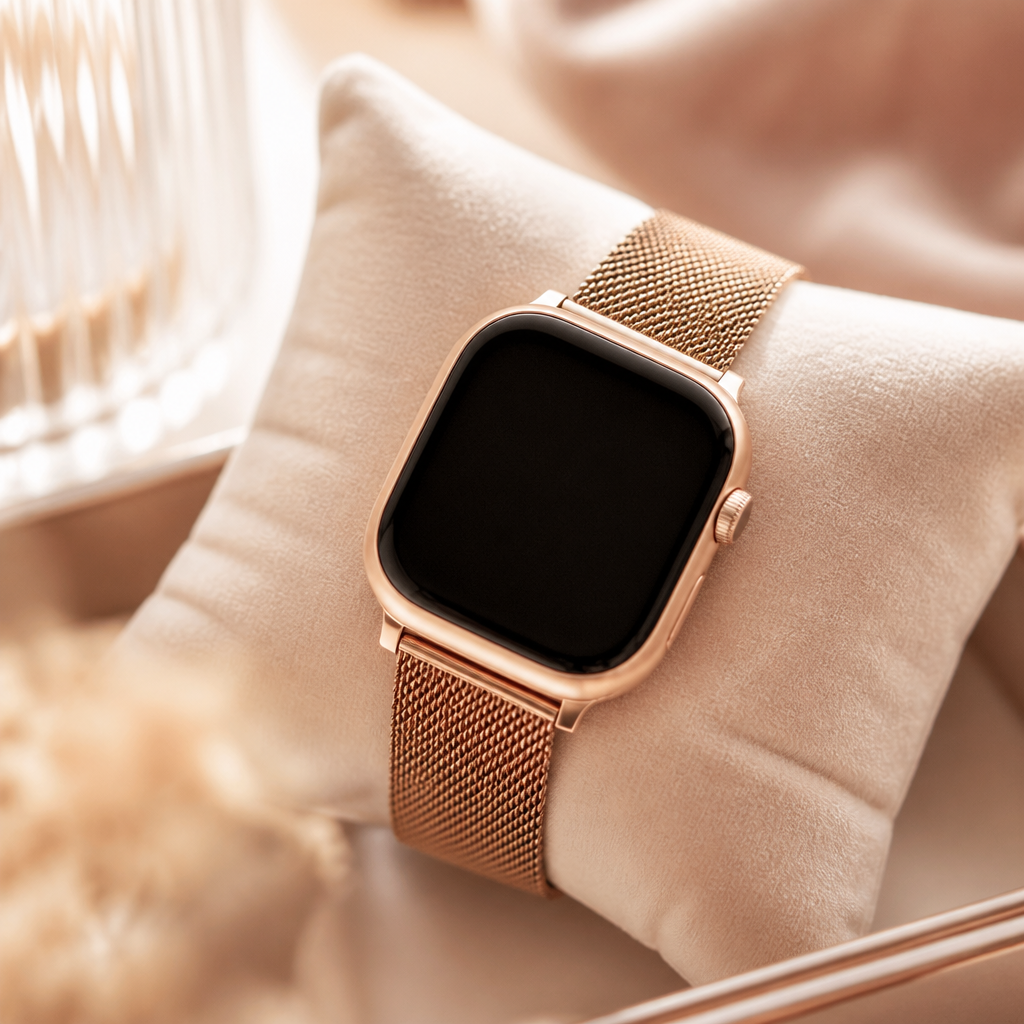
Finding yourself with a beautiful new piece of tech on your wrist is always an exciting moment, but the first step is often the most confusing. If you are wondering how to turn on Radley smartwatch devices for the first time, you are certainly not alone. These watches are designed by Peers Hardy with a focus on simple, elegant functionality, yet the physical interface can differ slightly between the various ranges like the Series 8 or the more recent Series 33.
Most owners expect a very obvious power button, but Radley London watches often integrate their controls into the side dial or a hidden touch point on the screen itself. Understanding the nuances of your specific model ensures you do not accidentally put the device into a reboot loop or feel frustrated before you have even tracked your first few steps.
Locating the power button and initial activation
For the vast majority of Radley smartwatches, the primary method of waking the device is the side button. On models like the Series 20 or Series 21, this button sits at the three o'clock position, much like a traditional watch crown. To turn the watch on, you simply need to press and hold this button for approximately three to five seconds. You should feel a slight vibration, followed by the Radley logo appearing on the screen.
However, some earlier models and slimline fitness trackers in the collection do not have a physical side button. These devices rely on a touch-sensitive zone at the bottom of the glass display. In these cases, you might need to tap and hold that specific area to trigger the power-up sequence. It is a common design choice for fashion-forward trackers meant to maintain a sleek, uninterrupted silhouette on your wrist.
The importance of the first charge
If you have tried holding the side button and nothing happens, the battery is likely in a deep sleep state. Manufacturers often ship these devices with a low battery percentage to ensure safety during transit. Before you can successfully turn on Radley smartwatch hardware, you must give it a solid foundation of power. We typically recommend charging the watch for at least two hours before attempting the first setup.
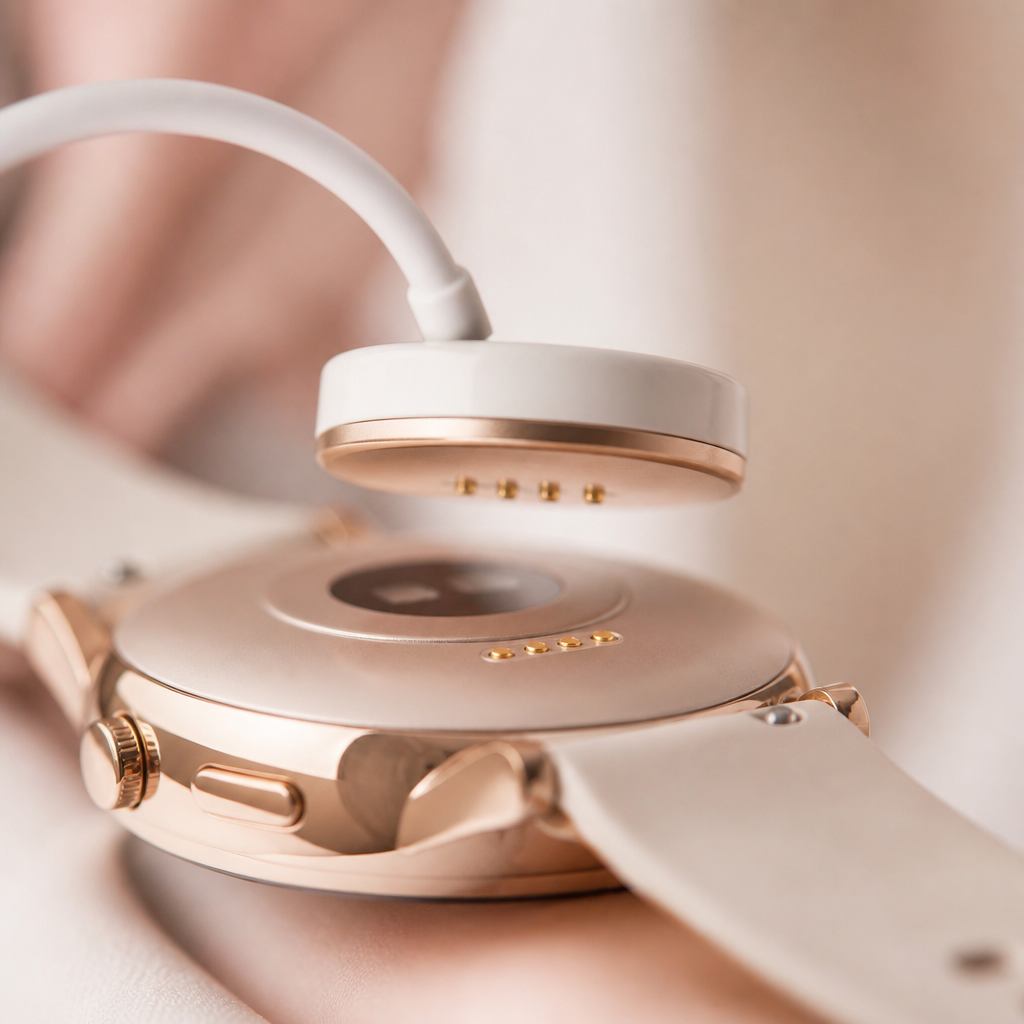
The charging cable provided in your box is specific to your model range. It usually features two small gold pins that snap onto the back of the watch case using magnets. If the magnets do not feel like they are gripping, try rotating the charger 180 degrees. Once connected to a standard USB port, the screen should illuminate automatically with a charging icon. This is often the most reliable way to jump-start a watch that refuses to turn on via the buttons alone.
Navigating the setup screen
Once the screen stays on, you will usually see a prompt to download the RADLEY SMART app. This application is the brain of your device and is available for both iPhone and Android. While the watch is officially 'on' once the logo disappears, it will not be useful for much until you pair it. The time and date will likely be incorrect because the watch lacks an internal clock that stays accurate without a phone sync.
Open the app on your phone and follow the on-screen instructions. Make sure your Bluetooth is enabled in your phone settings. The app will search for your watch model. Once it finds it, you will see a confirmation message on the watch face. Tap the tick icon on the watch to finalize the connection. This process establishes the handshake that keeps your notifications and health data flowing correctly.
Troubleshooting power issues
Sometimes, despite your best efforts, the screen remains dark. This does not necessarily mean the watch is faulty. Dirt or oils from your skin can accumulate on the charging pins on the back of the watch, preventing a clean connection. Use a dry, lint-free cloth or a cotton bud with a tiny amount of rubbing alcohol to gently clean those gold contacts. This is a very common fix for watches that have been sitting in a drawer for a few months.
If the watch is on but the screen is unresponsive, you can perform a forced restart. Usually, this involves holding the power button for a full ten to fifteen seconds. The device will vibrate and reset itself. This is particularly helpful if the screen has frozen on a specific notification or if the heart rate sensor seems to be stuck.
Step by step startup checklist
- Remove the protective plastic film from the front and back of the watch.
- Connect the magnetic USB cable to a power source and snap it to the back of the watch.
- Wait for the battery icon to appear on the screen to confirm charging.
- After 60 minutes, press and hold the side crown for 5 seconds.
- Download the RADLEY SMART app on your smartphone.
- Enable Bluetooth on your phone and follow the in-app pairing prompts.
- Confirm the pairing request on the watch screen itself.
Frequently asked
- Why won't my Radley watch turn on after charging?
- Ensure the charging pins are clean and that the magnets are correctly aligned. If it still doesn't turn on, try a different USB port or wall plug to rule out a faulty power source.
- How do I turn the watch off to save battery?
- Go to the settings menu on the watch face, scroll down to 'System' or 'Power', and select 'Power Off'. On some models, holding the side button for several seconds will also bring up a power-off prompt.
- Does the watch turn on automatically when I lift my wrist?
- Yes, once the watch is powered on, you can enable the 'Flick to Wake' or 'Gesture Control' feature within the RADLEY SMART app settings to illuminate the screen without pressing buttons.
- How long should the battery last once it is on?
- With typical use for notifications and step tracking, you can expect between 5 to 7 days of battery life before needing to plug it back in.
Taking the time to properly power up and sync your Radley London smartwatch ensures you get the most out of its features. Whether you are using it to track your morning walks or simply to stay on top of your messages while your phone is in your bag, these watches offer a lovely balance of UK style and practical utility. Once you have mastered the basics of turning it on, you can begin exploring the various watch faces and customisation options that make it truly yours.