Owner's guide
Improving your Radley smartwatch step counter accuracy
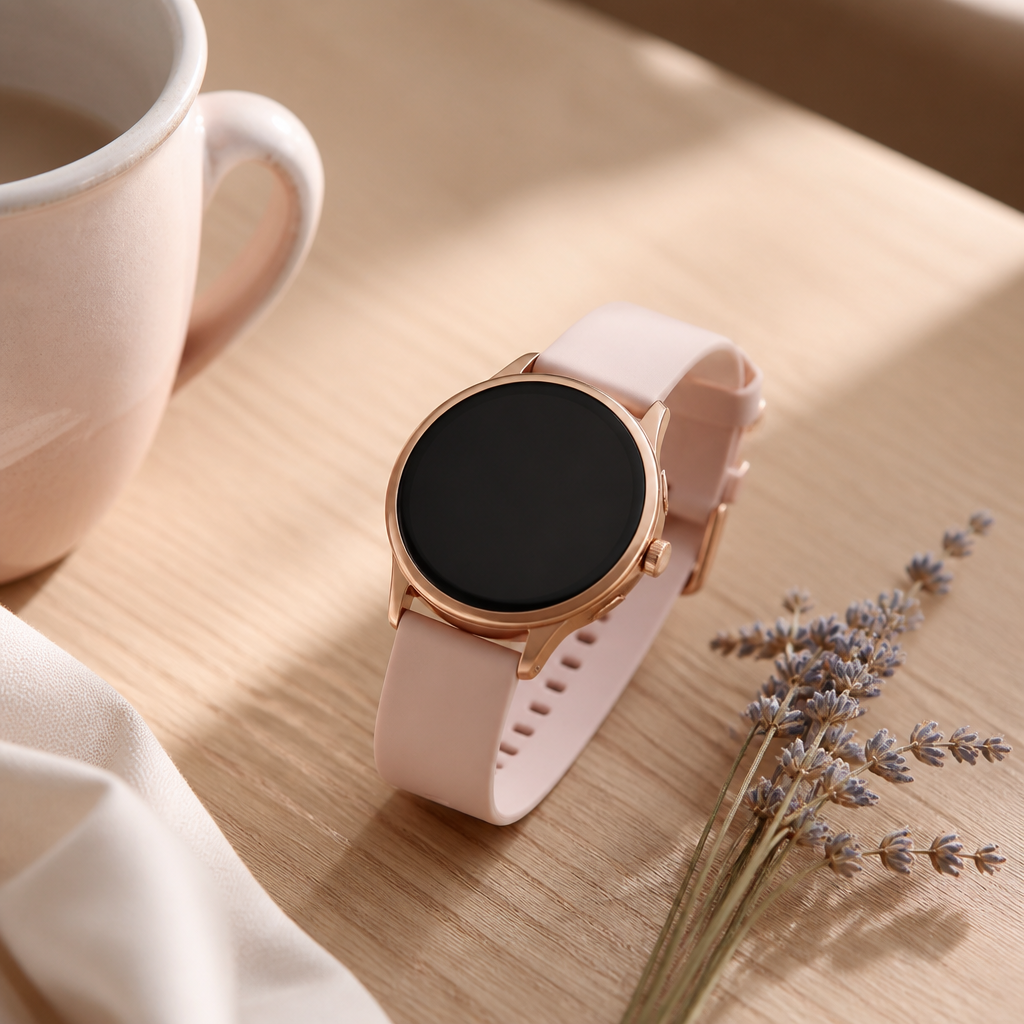
When you strap on your Radley smartwatch, you are likely looking for a blend of quintessential British style and a gentle nudge toward a more active lifestyle. Whether you own a Series 8 or one of the newer Series 33 models, the step counter is the heart of your daily experience. It provides that satisfying sense of progress as you move through your morning commute or enjoy a weekend stroll through the park. However, you might occasionally find that the numbers on your wrist do not quite match the distance you feel you have covered.
Understanding how your Radley smartwatch step counter accuracy works is the first step toward getting more reliable data. These watches are fashion-led fitness trackers manufactured by Peers Hardy. They utilise a three-axis accelerometer to detect movement. Instead of a GPS chip tracking your exact coordinates, the watch interprets the swinging motion of your arm to estimate when a step has been taken. This method is efficient for battery life, typically lasting five to seven days, but it does rely on specific conditions to remain precise.
How the accelerometer calculates your movement
Inside your watch, a tiny component called an accelerometer measures acceleration forces. When you walk, your arm moves in a somewhat predictable rhythmic pattern. The software inside your Radley device looks for these specific 'spikes' in movement that suggest a stride. If the movement is too subtle, the watch might miss it. Conversely, if you are doing something vigorous with your hands, such as whisking eggs or folding laundry, the watch might mistakenly count these as steps.
Because Radley smartwatches are designed as lifestyle companions rather than high-performance athletic tools, the algorithms are tuned for general daily activity. They are calibrated to filter out minor jitters, but they can be sensitive to the way you carry yourself. If you walk with your hands in your pockets or push a pram, the lack of arm swing will almost certainly lead to undercounting. Understanding this mechanical limitation helps you adjust your habits to ensure the data is as close to reality as possible.
The importance of the RADLEY SMART app settings
Your Radley smartwatch does not work in a vacuum; it relies heavily on the information you provide in the RADLEY SMART app on your iOS or Android phone. When you first set up your profile, you are asked for your height, weight, and gender. These are not just for your profile page. The watch uses your height to estimate your stride length. If your height is recorded incorrectly, every single step will be calculated against the wrong distance, leading to significant discrepancies over a long walk.
To improve your Radley smartwatch step counter accuracy, you should periodically check that your personal details in the app are up to date. If you have recently changed your fitness levels or lost weight, updating these metrics can subtly shift how the algorithm interprets your movements. Since these watches do not have onboard GPS to verify distance, they rely entirely on the mathematical relationship between your height and the number of arm swings detected.
Correct fit and placement for better tracking
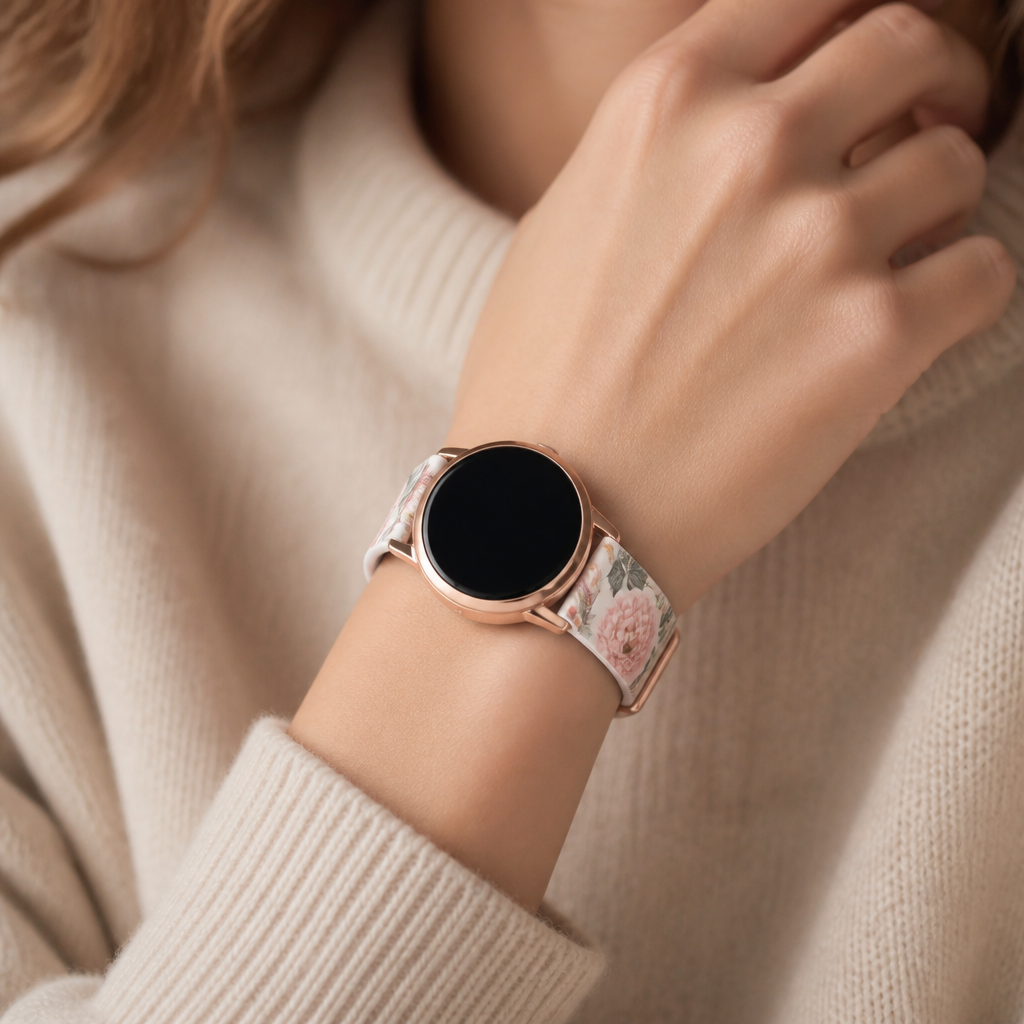
How you wear your watch is perhaps the most overlooked factor in data accuracy. If the strap is too loose, the watch body will jiggle against your skin. This extra vibration can be interpreted as 'noise' by the accelerometer, potentially leading to 'ghost steps' that you never actually took. Alternatively, if it is too loose, the device might slide down toward your hand, where movement is more erratic and less representative of your actual gait.
Most Radley models use standard 20mm or 22mm straps with quick-release pins. If you find the silicone or leather strap that came with your watch doesn't offer a 'just right' fit, you may want to look for a strap with more adjustment holes. For the most accurate step counting, the watch should sit about two finger-widths above your wrist bone. It should be snug enough that it does not slide when you shake your arm, but not so tight that it leaves a deep mark on your skin.
Steps to calibrate your daily tracking
While there isn't a manual 'calibrate' button in the settings, you can follow a routine to ensure the software remains synchronised and accurate. Follow these steps if you feel your step count has become erratic or consistently overestimates your activity.
- Open the RADLEY SMART app and ensure your watch is fully synced and connected via Bluetooth.
- Navigate to the Profile or User settings and verify your height is recorded accurately in centimetres.
- Ensure your watch is worn on your non-dominant hand; this reduces the number of false steps recorded during tasks like writing or brushing your teeth.
- Clean the back of the watch casing with a dry, lint-free cloth to ensure no debris is affecting the internal sensors.
- Restart your watch by turning it off and back on again once a week to refresh the internal software.
- Perform a test walk of 100 counted steps and compare it to the watch display to check for a margin of error.
When to expect variations in step data
It is important to remember that no wrist-worn tracker is 100% accurate. Even high-end devices with GPS can have a margin of error of around 5% to 10%. With a fashion-focused tracker like a Radley, the goal is consistency rather than absolute perfection. If the watch consistently undercounts by the same amount every day, it is still a useful tool for measuring whether you were more active on Tuesday than you were on Monday.
Environmental factors also play a role. Walking on an uneven trail versus a flat treadmill will change your stride and arm swing. Similarly, if you are carrying a heavy bag or using a handrail on an escalator, the watch may struggle to identify the movement as a step. By keeping these factors in mind, you can use your Radley smartwatch as a helpful guide to your general health and movement levels without worrying about the odd missed step here or there.
Frequently asked
- Why does my Radley watch count steps while I am driving?
- The accelerometer may interpret the vibrations of the car or significant steering wheel movements as steps. This is common in many smartwatches and usually adds only a negligible amount to your daily total.
- Should I wear my watch on my dominant or non-dominant wrist?
- For the best accuracy, wear it on your non-dominant wrist. You move your dominant hand much more during the day, which can lead to the watch recording 'phantom' steps.
- Can I use my Radley watch without the app for step counting?
- The watch will count steps and display them on the screen without the app, but it needs to sync with the RADLEY SMART app to use your personal physical profile for accurate distance calculations.
- Does a low battery affect the step counter?
- While step counting uses very little power, if the battery is extremely low, the watch may enter a power-saving mode that reduces the frequency of sensor polling, potentially affecting accuracy.
Ultimately, your Radley smartwatch is a beautiful accessory designed to complement your wardrobe while keeping you mindful of your activity. By ensuring the fit is correct and your personal data in the RADLEY SMART app is precise, you can enjoy a much more reliable picture of your daily movement. These small adjustments ensure that your stylish companion remains a functional one, helping you reach those daily goals with confidence.